Book a free Busy Software demo — on your own data
See Busy Accounting Software running your invoices, your stock and your GST returns before you spend a rupee. Mark Software gives free Busy Software demos online across India and onsite anywhere in Pune and PCMC.
Why a demo matters more than a feature list
Every accounting package claims GST billing, inventory and reports. On a brochure they look identical. The difference only becomes visible when someone bills the way you bill: a distributor with scheme discounts and free-quantity offers, a steel trader billing in kilograms and pieces at once, a garment retailer with size-colour matrices, a manufacturer issuing job work to three contractors.
A Busy Software demo exists to answer exactly one question: can this software handle my worst-case voucher without a workaround? That is why we never run a generic slide deck. We ask for your two most awkward invoices, reproduce them live, and let you judge.
What you will see in the Busy Software demo
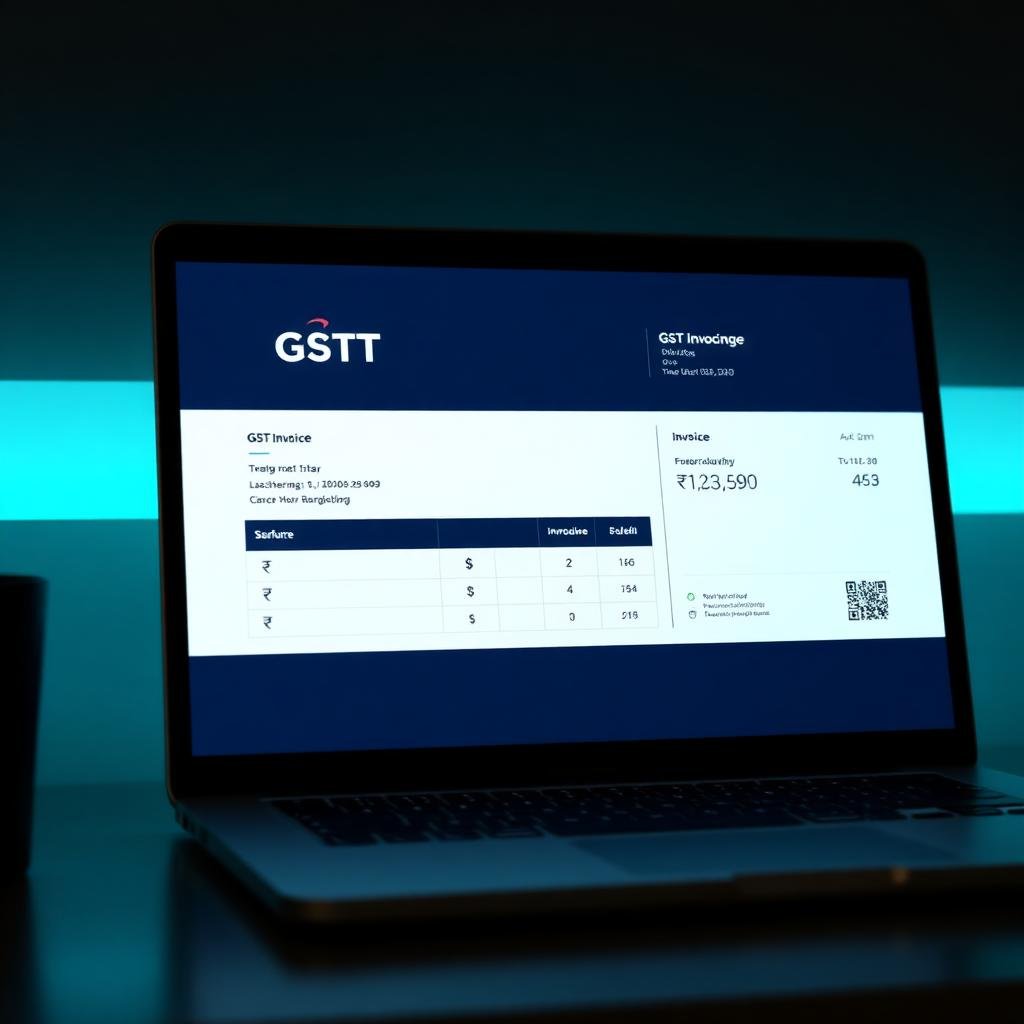
Your existing GST invoice format recreated in Busy — logo, terms, HSN columns, multi-copy printing.
GSTR-1 and 3B generated from vouchers, 2A/2B reconciliation, e-invoice and e-way bill in one click.
Multi-godown, batch and expiry, serial numbers, size-colour matrix, alternate units of measure.
Party-wise ageing, credit limits, reminder letters and WhatsApp payment follow-ups.
Daily sales, cash position, top items and receivables on your phone before you leave home.
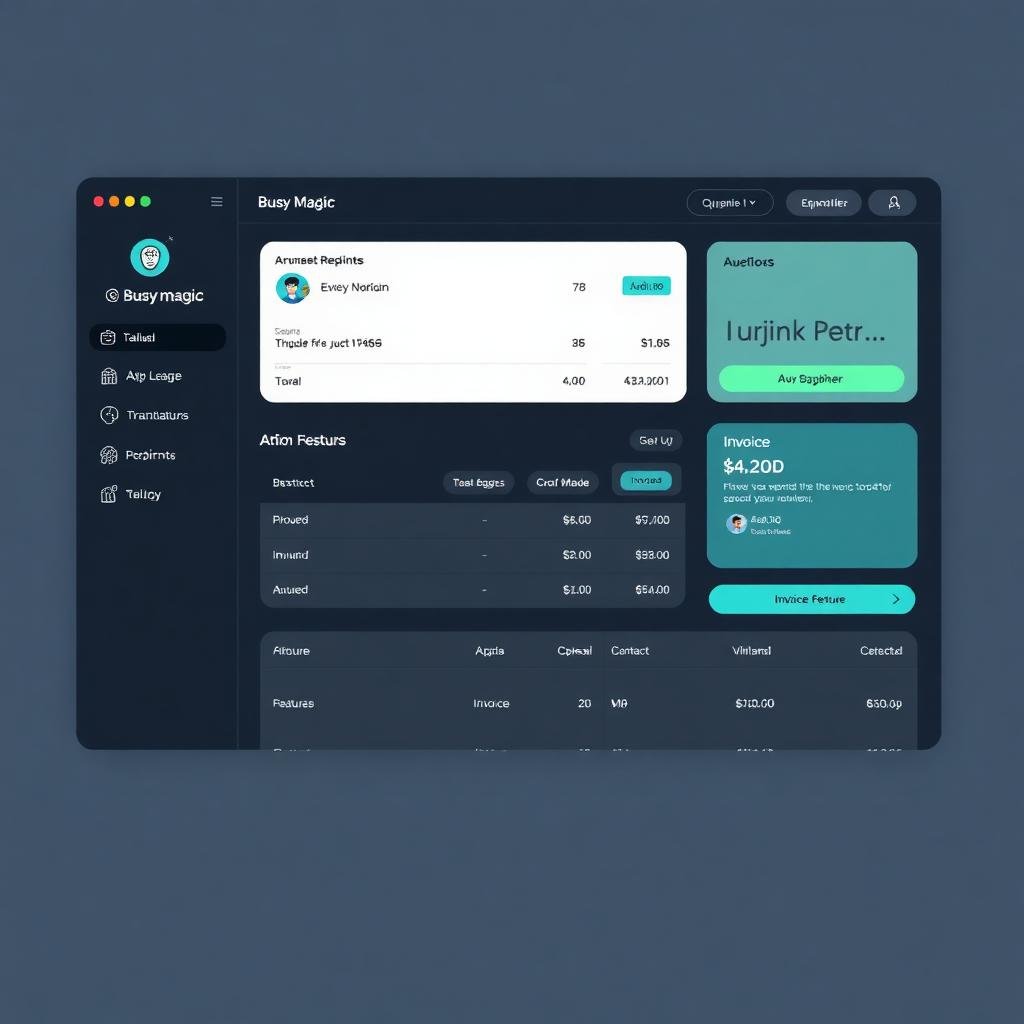
The same company shown on Busy on Cloud and with Busy Magic's AI copilot, so you can compare.
How the demo runs, minute by minute
- Minutes 0–10: your workflow. We ask how orders arrive, who bills, how stock moves, who chases payments and what your CA needs monthly.
- Minutes 10–30: live entry. We punch your real transactions — sales with scheme discount, purchase with freight, a stock transfer, a payment receipt — and print the invoice.
- Minutes 30–40: reports. Profit per item, party ageing, GSTR-1 summary, stock valuation. This is usually the moment owners lean forward.
- Minutes 40–45: edition & price. A straight recommendation with user count, edition, renewal cost and migration effort — no upsell theatre.
You get a written quotation and a recording or summary afterwards so you can discuss it internally without relying on memory.
Online demo or onsite demo — which should you pick?
An online demo over screen share is faster to schedule, works anywhere in India, and is ideal when one or two decision makers want an overview. Most of our customers start here, and many buy directly after it.
An onsite demo makes sense when the billing team must be convinced, when you want us to see your existing printers, barcode scanners and network, or when several family members and your accountant need to be in the room together. Mark Software covers Pune city, Pimpri-Chinchwad, Hinjewadi, Chakan, Hadapsar, Kothrud, Baner, Market Yard and Ranjangaon at no charge.
For manufacturing, payroll or POS evaluations we recommend a two-part demo: a short online session to shortlist the edition, then an onsite session with the people who will actually use it daily. That pattern has the highest satisfaction rate of anything we do.
What to prepare before your demo
Ten minutes of preparation doubles the value of the session. Bring, or email us in advance:
- Two sample invoices — including your most complicated one.
- A rough item and party count, and how many godowns or branches you run.
- Your current software (Tally, Marg, Excel, a billing app) and whether data must be migrated.
- How many people need to work in the software at the same time.
- The three reports you or your CA look at every month.
- Any statutory extras you deal with — TCS, TDS, RCM, exports, e-way bills.
Nothing is mandatory. Plenty of demos start with nothing more than a phone call and a description of the business, and still end with a clear recommendation.
After the demo: trial, migration and go-live
If the demo goes well, the natural next step is a trial installation on your own machine with a sample or partially migrated company. Your team enters a week of real vouchers in parallel with the old system. This is the cheapest insurance available: by the time you buy, the software has already survived your actual month.
When you purchase, Mark Software installs and activates the licence, migrates masters and opening balances, recreates your invoice formats, configures user rights, and trains the billing team. Typical go-live for a small trading business is two to three working days; a multi-branch or manufacturing rollout runs one to two weeks. We stay on call through the first billing cycle and the first GST return.
There is no cost and no commitment in finding out. Book the free Busy Software demo, ask the hardest questions you have, and decide afterwards.
Frequently asked questions
How do I get a free Busy Software demo?+
Call or WhatsApp Mark Software on +91 98900 77714 and we schedule a free Busy Software demo — online over screen share, or onsite at your Pune office. Most demos are booked within 24 hours and take 30–45 minutes.
Is the Busy Software demo really free?+
Yes, completely. The demo, the edition recommendation and the written quotation are free with no obligation to buy. You only pay when you decide to purchase the licence.
Can I try Busy Software myself before buying?+
Yes. Along with the guided demo we can set you up with a trial installation of Busy on your own machine, loaded with a sample company, so your billing staff and accountant can test entries, GST reports and printing formats before you commit.
Will the demo use my own data?+
If you share a Tally, Marg or Excel export beforehand, we load a slice of your real masters and stock into the demo company so you see your own item names, parties and invoice format rather than generic sample data. This is by far the most convincing kind of demo.
How long does a Busy Software demo take?+
A focused demo runs 30–45 minutes: 10 minutes understanding your workflow, 20 minutes showing exactly the modules you need, and 10 minutes on pricing and next steps. Deeper sessions for manufacturing, payroll or POS teams take about 90 minutes.
Do you demo Busy on Cloud and Busy Magic too?+
Yes. We can demo desktop Busy, Busy on Cloud and the AI features of Busy Magic in the same session, so you can compare deployment options side by side before deciding.
I searched "Bsuy Software demo" — will this still work?+
Yes. "Bsuy Software" is a common misspelling of Busy Software, so a Bsuy Software demo is the same free Busy Accounting Software demo described on this page, given by Mark Software (Elitemark Software Pvt Ltd), Pune.
Get a free demo of Free Demo
Share a few details and our Busy Software specialists at Mark Software (Elitemark Software Pvt Ltd, Pune) will call you back the same working day with pricing, a demo slot on your own data, and answers specific to your business.
- Demo tailored to your billing, GST and inventory needs
- Genuine licences with GST invoice from an authorised partner
- Installation, migration from Tally and staff training included
- Local Pune & Maharashtra support with fast response
Book your free Busy Software demo
Online anywhere in India or onsite in Pune. 30–45 minutes, on your own data, with a written quotation afterwards.